
 INR
INR

Reliable Server Management Services for Maximum Performance
We manage, secure and optimize your servers 24/7 so you can focus on your business.
From Linux server management on Ubuntu, Debian, AlmaLinux, Rocky Linux and CentOS-style environments to performance tuning, backups, firewall setup and patching, our team keeps production workloads stable and secure.
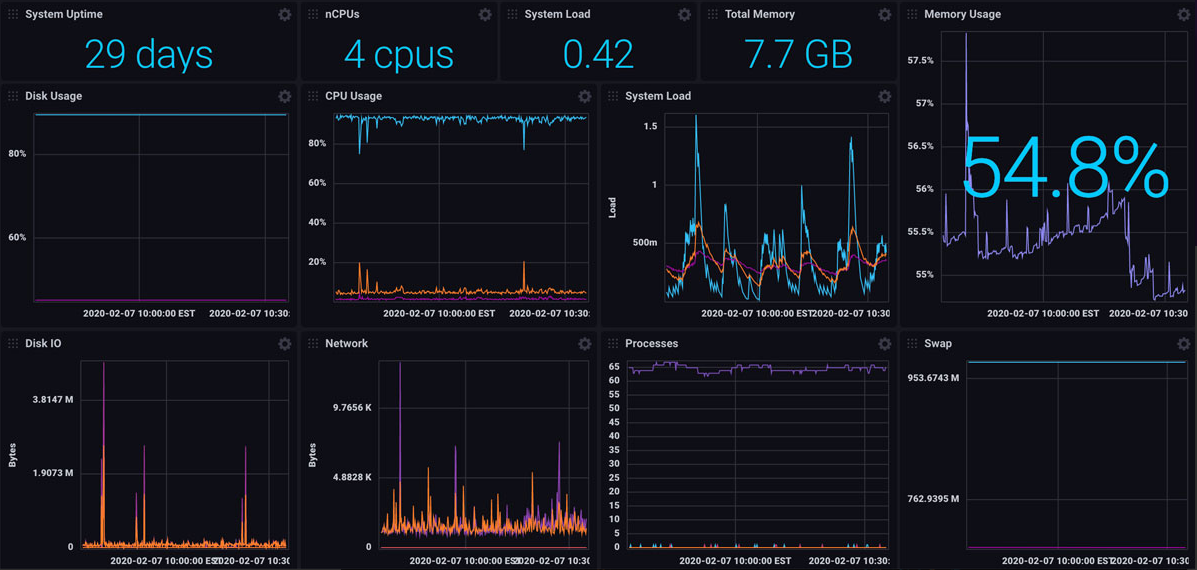
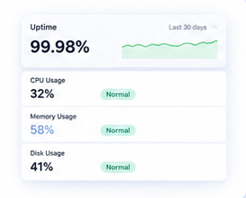
Server + Infrastructure Monitoring
Proactive visibility for managed server operations — track usage, spot issues early, and keep workloads stable.
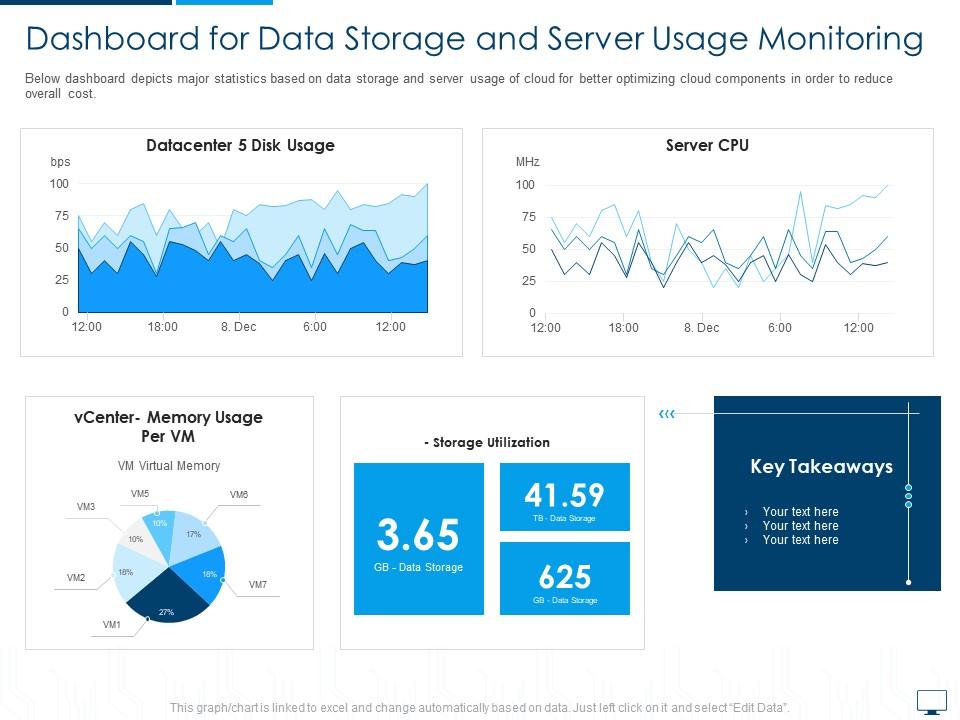
Why Choose Our Server Management Services?
Built for teams that need dependable operations — from VPS server management to cloud workloads.
24/7 Monitoring
Security Hardening
Backup & Recovery
Performance Optimization
Cloud & VPS Expertise
Incident Response
Services Included
End-to-end server security optimization and operations coverage.
Server Setup
Complete server setup and configuration for Linux / Windows server
- cPanel / Plesk configuration
- Baseline hardening and access controls
- Optimized OS setup
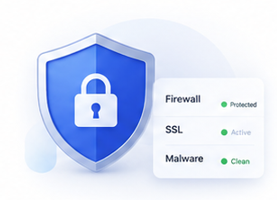
Security
Enterprise-grade security for complete peace of mind
- Firewall setup
- Malware protection
- SSL certificate installation
Monitoring
24/7 uptime monitoring and instant alerts to keep your service running smoothly
- 24/7 uptime monitoring
- Resource usage alerts
- Incident response coordination
Optimization
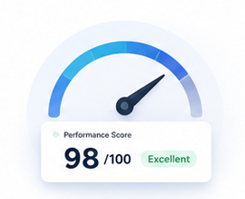
Performance tuning and intelligent optimizations for better results
- Speed tuning
- Database optimization
- Cache and PHP/runtime tuning
Cloud Management
Comprehensive cloud management and cost-effective solutions
- AWS / DigitalOcean support
- Migration assistance
- Scaling guidance and cost-aware recommendations

Linux Server Management Best Practices
A stronger server management service is not only about fixing outages. It includes secure access, package updates, service supervision, firewall rules, backup checks and clear visibility into server health across each Linux distribution.
Popular Linux Distributions Comparison
| Distribution | Package Manager | Service Manager | Best Fit |
|---|---|---|---|
| Ubuntu / Debian | apt | systemd | Web apps, business sites, general cloud workloads |
| AlmaLinux / Rocky Linux | dnf / yum | systemd | Enterprise hosting, cPanel, WHM, long-term stability |
| CentOS Stream | dnf | systemd | Upstream testing and development environments |
Security Hardening Checklist
SSH lock-downFirewall rulesMalware scansBackup testing- Disable direct root login and prefer SSH keys.
- Allow only required ports such as
22,80and443. - Apply updates quickly to reduce exploit risk.
- Audit logs and repeated login attempts proactively.
PasswordAuthentication no
PermitRootLogin no
sudo ufw allow OpenSSH
sudo ufw allow 80/tcp
sudo ufw allow 443/tcp
Tools We Commonly Use
- cPanel / WHM and Plesk: hosting account, mail and DNS administration.
- Webmin / Virtualmin: lightweight web-based Linux server control.
- Ansible: repeatable provisioning, updates and configuration automation.
- Fail2Ban: automatic response to brute-force style login attempts.
Monitoring, Performance & Recovery
- Logs: review
journalctl, web logs and control-panel alerts. - Metrics: watch CPU, RAM, disk, network and service health continuously.
- Optimization: tune PHP, database queries, caching and web server workers.
- Backups: validate restore points so disaster recovery is real, not assumed.
Need infrastructure to pair with management? Explore Linux VPS hosting, Windows hosting, or higher-capacity dedicated servers.
Core Server Management Tasks
- Provisioning & Configuration: Setting up new servers, configuring operating systems, and installing the required software stack for websites, applications, and business workloads.
- Performance Monitoring: Tracking CPU, memory, disk, bandwidth, and service health to identify bottlenecks before they affect uptime or user experience.
- Patching & Updates: Regularly updating the operating system, control panels, runtimes, and applications to reduce security risk and keep features current.
- Backup & Disaster Recovery: Implementing backup routines, retention policies, and restore planning so critical data can be recovered quickly when needed.
- Security Management: Configuring firewalls, access permissions, malware protection, and suspicious-activity monitoring across Linux and Windows server environments.
Top Server Management Tools
To streamline day-to-day operations, administrators rely on proven platforms and management interfaces.
- Plesk: A widely used hosting control panel for provisioning websites, email, databases, SSL, and server applications from one dashboard.
- Windows Server Management: Built-in Microsoft administration tools used to manage server roles, services, updates, local policies, and virtualization tasks.
- Lenovo Server Management: Useful for teams operating physical hardware and enterprise infrastructure where hardware health and resource control matter.
Best Practices
- Automate Routine Tasks: Use scripts, scheduled jobs, or configuration management tools to standardize patching, backups, deployments, and health checks.
- Establish Redundancy: Design failover, snapshot, backup, and load-balancing workflows to reduce downtime during infrastructure or hardware issues.
- Monitor Proactively: Set alerting thresholds for CPU, memory, disk, service availability, SSL expiry, and suspicious activity so your team reacts early.
- Enforce Strict Access Controls: Apply the principle of least privilege so users, developers, and applications only receive the permissions they actually require.
Pricing
Monthly plans for ongoing managed server operations. Custom scopes available for complex environments.
Business Care
- Server Setup & Initial Hardening (CPU, RAM, Disk, Services)
- Security Updates & Patching
- Advanced Security Hardening (Firewall + Brute Force Protection)
- Malware Scan & Removal (Weekly)
- Web Server Optimization (Apache/Nginx tuning)
- Database Optimization (MySQL/PostgreSQL)
- Backup Management (Daily backups monitoring)
- Control Panel Support (cPanel / Plesk / DirectAdmin)
Enterprise Care
- Server Setup & Initial Hardening
- Fix issues / Bug on any server software
- Security Patching & Vulnerability Fixing
- Advanced Security (WAF, DDoS Protection, Intrusion Detection)
- Continuous Malware Protection & Cleanup
- Full Stack Optimization (OS + Web + DB tuning)
- Load Optimization & Scaling Guidance
- Backup Monitoring + Disaster Recovery Testing
- DevOps Support (Docker, CI/CD, Node.js, Java Apps)
- 1 Month Free Server Monitoring
Essential Care
- Server Setup & Initial Hardening
- Monthly Security Updates & Patching
- Basic Firewall Configuration
- Weekly Malware Scanning
- Service Monitoring (HTTP, MySQL, SSH)
- Basic Performance Optimization
- Backup Configuration (Weekly)
- Before Purchasing Discus About Your Issue.
- THIS IS NON REFUNDABLE SERVICE.
Use Cases
Where server management services deliver the most value.
E-commerce websites
SaaS platforms
High traffic blogs
Business applications
Need hosting for WordPress? See WordPress hosting. Need more control and resources? Explore VPS hosting.
Frequently Asked Questions
Answers for teams evaluating managed hosting services and operations partners.