 INR
INR


How to Host an AI Chatbot on a Linux VPS (Complete 2026 Guide)
Artificial Intelligence is rapidly transforming customer support, internal business tools, and SaaS platforms. Instead of relying solely on cloud-based AI providers, many businesses are choosing to host their own AI chatbots to improve privacy, reduce API costs, and gain complete control over their infrastructure.
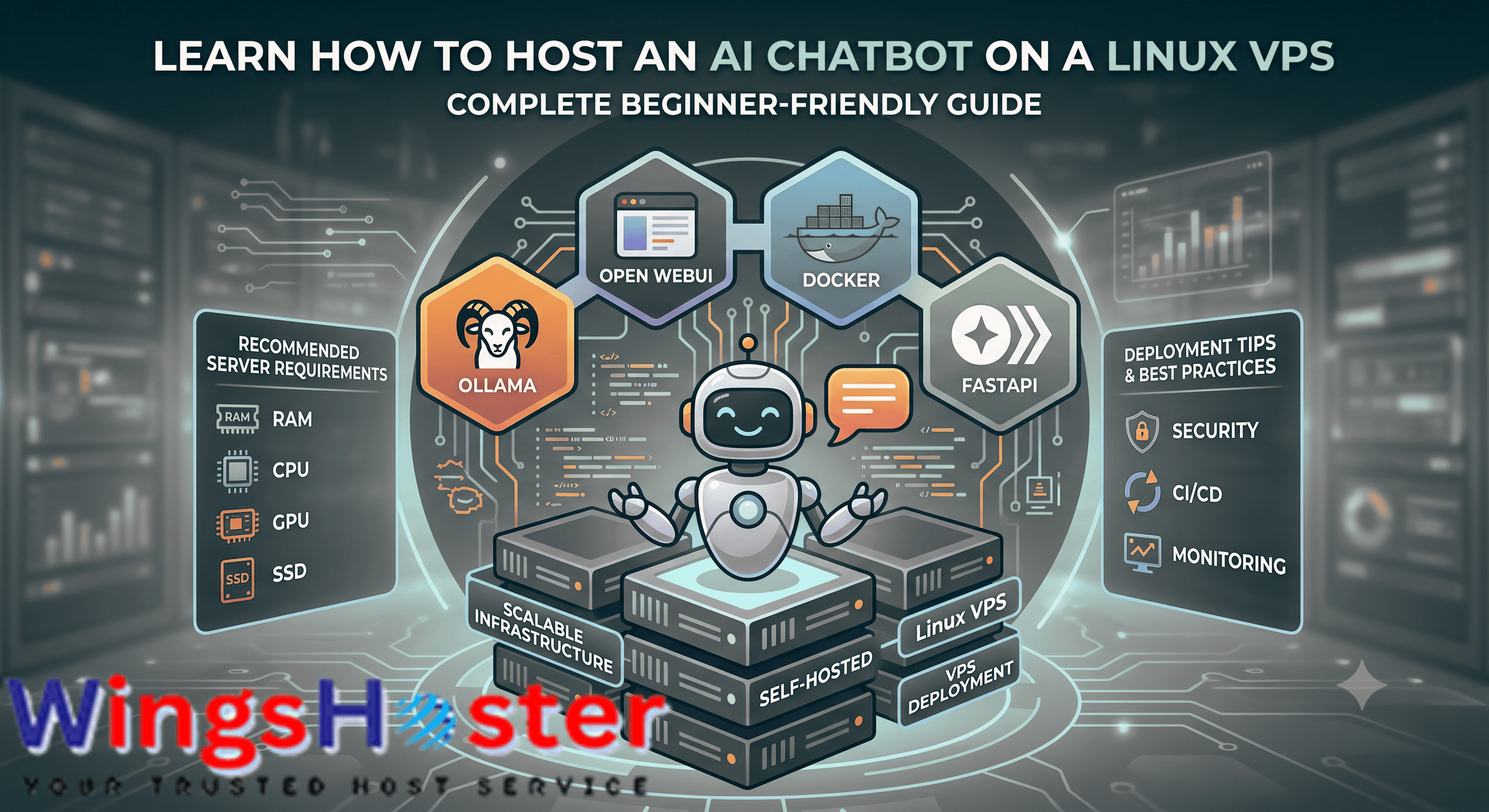
A Linux VPS provides an affordable and flexible environment for deploying AI chatbots powered by modern frameworks such as Ollama, Open WebUI, FastAPI, LangChain, and open-source Large Language Models (LLMs).
In this guide, you'll learn how to choose the right Linux VPS, install the required software, deploy an AI chatbot, and optimize it for production use.
Who Is This Guide For?
This guide is ideal for:
✓ AI startups
✓ SaaS founders
✓ Python developers
✓ Machine learning engineers
✓ Businesses building AI assistants
✓ Developers using Ollama
✓ Teams deploying Open WebUI
Why Host Your Own AI Chatbot?
Hosting your chatbot on your own VPS offers several advantages over relying entirely on third-party AI platforms.
Benefits include
- Full control over your data
- Enhanced privacy and security
- Lower long-term operating costs
- Ability to run open-source LLMs
- No dependency on external APIs
- Customizable infrastructure
- Scalable hosting environment
This approach is ideal for AI startups, SaaS companies, developers, and businesses that need reliable AI services.
What You'll Need
Before getting started, prepare the following:
- Ubuntu 24.04 LTS or Debian 12
- Minimum 4 CPU cores
- At least 8 GB RAM
- 100 GB NVMe SSD
- Root SSH access
- Docker
- Docker Compose
- Firewall configured
- Domain name (optional)
- SSL certificate for production
Recommended VPS Specifications
| Deployment Type | CPU | RAM | Storage |
|---|---|---|---|
| Testing | 2 vCPU | 4 GB | 50 GB NVMe |
| Small Business | 4 vCPU | 8 GB | 100 GB NVMe |
| Production | 8 vCPU | 16 GB | 200 GB NVMe |
| Enterprise | 16+ vCPU | 32+ GB | 500 GB NVMe |
If you intend to run local LLMs such as DeepSeek, Qwen, or Llama, consider upgrading to a GPU VPS or dedicated server.
Supported AI Frameworks
Supported AI Frameworks
✓ Ollama
✓ Open WebUI
✓ LangChain
✓ FastAPI
✓ Flask
✓ TensorFlow
✓ PyTorch
✓ Hugging Face
✓ Llama.cpp
✓ Docker
✓ Kubernetes
Step 1 – Connect to Your VPS
Connect using SSH.
ssh root@your-server-ip
Update the operating system.
apt update && apt upgrade -y
Step 2 – Install Docker
Docker simplifies application deployment by packaging dependencies into containers.
curl-fsSL https://get.docker.com | sh
Verify the installation.
docker --version
Step 3 – Install Docker Compose
apt install docker-compose-plugin -y
Verify the installation.
docker compose version
Step 4 – Install Ollama
Ollama makes it easy to run open-source AI models locally.
curl-fsSL https://ollama.com/install.sh | sh
Verify that Ollama is running.
ollama --version
Download a model, for example:
ollama pull qwen2.5:7b
You can also use:
- Llama 3
- DeepSeek
- Gemma
- Mistral
Choose a model based on your available CPU, RAM, or GPU resources.
Step 5 – Install Open WebUI
Open WebUI provides a user-friendly interface for interacting with your AI models.
Example Docker command:
docker run -d \
-p3000:8080 \
-v open-webui:/app/backend/data \
--name open-webui \
ghcr.io/open-webui/open-webui:main
Access the interface using:
http://your-server-ip:3000
Step 6 – Secure Your Server
Before exposing your chatbot to the internet:
- Enable UFW Firewall
- Install Fail2Ban
- Configure SSL certificates
- Disable root login
- Use SSH keys instead of passwords
- Keep the operating system updated
Security should always be part of your deployment process.
Step 7 – Connect a Domain
Instead of accessing your chatbot through an IP address, point a domain such as:
chat.example.com
Then configure Nginx as a reverse proxy and install an SSL certificate using Let's Encrypt.
Step 8 – Monitor Performance
As usage grows, monitor:
- CPU utilization
- RAM usage
- Disk I/O
- Docker container health
- Network traffic
- Response times
Tools such as Grafana, Prometheus, and Netdata can help visualize system performance.
Best AI Models for Self-Hosted Chatbots
| Model | Recommended Use |
|---|---|
| Llama 3 | General assistant |
| Qwen | Coding & multilingual tasks |
| DeepSeek | Programming assistance |
| Gemma | Lightweight applications |
| Mistral | Business chatbots |
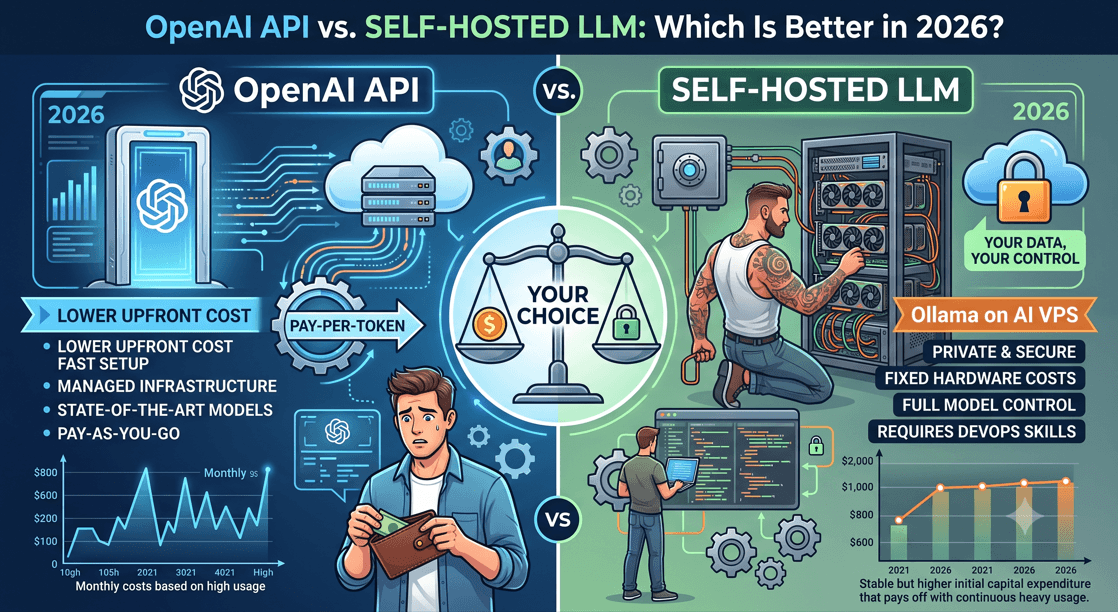
Linux VPS vs Cloud AI APIs
| Linux VPS | Cloud AI API |
|---|---|
| Fixed monthly cost | Pay per request |
| Complete data ownership | Third-party processing |
| Highly customizable | Limited customization |
| Can run offline | Internet connection required |
| Supports local models | Hosted by provider |
Common Deployment Mistakes
Avoid these common issues:
- Choosing a VPS with insufficient RAM
- Running large LLMs without GPU acceleration
- Skipping backups
- Leaving SSH exposed without protection
- Forgetting SSL certificates
- Not monitoring resource usage
Why Choose WingsHoster?
WingsHoster provides Linux VPS and Cloud VPS solutions optimized for AI development and production deployments.Explore our Server Management plans if you need assistance with installation, security hardening, performance optimization, or ongoing maintenance.
Features include:
- High-performance NVMe SSD storage
- Multiple Linux distributions
- Full root access
- Scalable VPS plans
- DDoS protection
- 24/7 technical support
- Flexible upgrade options
Whether you're building an AI chatbot, deploying an internal assistant, or launching an AI SaaS platform, our VPS infrastructure is designed to support modern AI workloads.
Conclusion
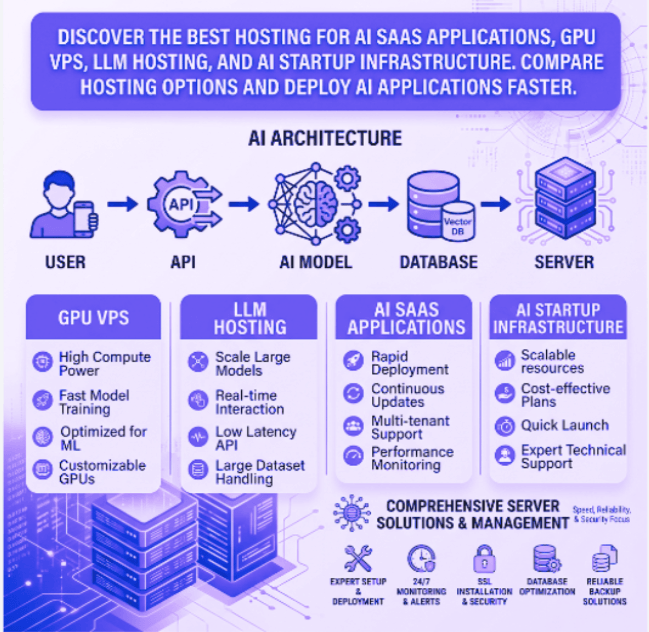
Self-hosting an AI chatbot on a Linux VPS gives you greater control over your infrastructure, predictable costs, and the flexibility to choose the AI models that best fit your needs. By combining a reliable Linux VPS with tools like Docker, Ollama, and Open WebUI, you can deploy secure and scalable AI applications without relying entirely on third-party AI services.Learn more in our comprehensive guide: Best Hosting for AI SaaS Applications.
Whether you're developing an internal knowledge assistant, a customer support chatbot, or the foundation of an AI SaaS platform, starting with a properly configured VPS ensures your application is ready to grow.