
 INR
INR


How to Register a Domain Name in 2026: Complete Guide
Launching a website starts with one important decision: registering the right domain name.
Whether you're creating a business website, eCommerce store, blog, portfolio, or startup, your domain name becomes your online identity. Choosing and registering the right domain can improve brand recognition, search visibility, and customer trust.
In this step-by-step guide, we'll explain exactly how to register a domain name in 2026, avoid common mistakes, and get your website online quickly.
What Is a Domain Name?
A domain name is the address people type into a browser to visit your website.
For example:
google.com
amazon.com
wingshoster.com
Instead of remembering complex IP addresses such as:
142.250.183.78
users can simply remember a domain name.
A domain consists of two main parts:
Domain Name
wingshoster
Domain Extension
.com
Combined:
wingshoster.com
Popular domain extensions include:
- .com
- .net
- .org
- .in
- .co.in
- .my
- .com.my
- .online
- .store
Why Your Business Needs a Domain Name
A professional domain name provides several benefits:
Builds Brand Credibility
Customers trust businesses that have their own domain rather than using free website builders or social media pages.
Professional Example
info@yourbusiness.com
Looks more trustworthy than:
yourbusiness@gmail.com
Improves Online Visibility
A website with a domain can appear in Google Search results and attract organic traffic.
Supports Digital Marketing
Domains are essential for:
- Google Ads
- Facebook Ads
- Email Marketing
- SEO Campaigns
- Business Branding
Protects Your Brand
Registering your domain prevents competitors or third parties from using your business name online.
Step 1: Choose the Right Domain Name
Choosing the right domain name is critical.
Keep It Short and Memorable
Good Example:
wingshoster.com
Bad Example:
bestcheaphostingservicesindia2026.com
Make It Brandable
Your domain should reflect your business name or brand.
Examples:
wingshoster.com
hm360.net
fsmnex.com
Avoid Hyphens
Avoid:
best-hosting-company.com
Use:
besthostingcompany.com
Avoid Numbers
Avoid:
hosting4you.com
Numbers often create confusion when spoken.
Think Long-Term
Choose a domain name that can grow with your business.
Step 2: Select the Best Domain Extension
The domain extension (TLD) plays an important role in branding.
Recommended Extensions
| Extension | Best For |
|---|---|
| .com | Global Businesses |
| .net | Technology Companies |
| .org | Nonprofits |
| .in | Indian Businesses |
| .my | Malaysian Businesses |
| .store | eCommerce Stores |
| .online | Startups & Personal Brands |
Which Extension Should You Choose?
For most businesses:
.com
remains the best option because it is recognized worldwide.
If you're targeting India or Malaysia specifically, consider:
.in
.my
.com.my
👉 Read our complete guide:
Best Domain Extensions for Business in 2026
Step 3: Check Domain Availability
Once you've selected a domain name, check whether it is available.
At WingsHoster, our Domain Search tool allows you to instantly verify availability across hundreds of domain extensions.
Example Searches
yourbrand.com
yourbrand.in
yourbrand.net
yourbrand.online
Tips
- Register immediately if available.
- Popular names get registered quickly.
- Consider multiple extensions for brand protection.
Check Domain Availability:
Step 4: Register Your Domain Name
After finding an available domain:
Registration Process
1. Search Your Domain
Use WingsHoster's Domain Search tool.
2. Add to Cart
Choose:
- 1 Year
- 2 Years
- 5 Years
- 10 Years
3. Enter Contact Information
Provide:
- Name
- Email Address
- Phone Number
- Business Information
4. Add Optional Services
Recommended:
- WHOIS Privacy Protection
- SSL Certificate
- Professional Email Hosting
5. Complete Payment
Supported methods:
- Credit Card
- Debit Card
- FPX
- Online Banking
- UPI
- PayPal (where available)
6. Domain Activated
Most domains activate instantly after successful payment.
Step 5: Enable Domain Privacy Protection
When you register a domain, your information may become publicly visible through WHOIS records.
This can expose:
- Name
- Email Address
- Phone Number
- Physical Address
WHOIS Privacy Protection hides these details and reduces spam.
Benefits
✔ Protect Personal Information
✔ Reduce Spam Emails
✔ Improve Security
✔ Prevent Identity Theft
For business owners and startups, privacy protection is highly recommended.
Step 6: Connect Hosting to Your Domain
A domain name alone does not create a website.
You also need web hosting.
Think of it like:
| Component | Purpose |
|---|---|
| Domain | Website Address |
| Hosting | Website Storage |
Example:
Domain:
wingshoster.com

Hosting:
Stores website files and databases
Hosting Options Available
- Shared Hosting
- WordPress Hosting
- VPS Hosting
- Cloud Hosting
- Dedicated Servers
View Hosting Plans:
Common Domain Registration Mistakes
Avoid these common errors:
Choosing Long Domain Names
Harder to remember.
Ignoring Trademark Checks
Could create legal issues later.
Forgetting Renewals
Expired domains can be purchased by others.
Using Untrusted Registrars
Always choose a reputable registrar.
Registering Only One Extension
Consider:
yourbrand.com
yourbrand.in
yourbrand.net
to protect your brand.
Skipping Domain Privacy
Leaves your information publicly visible.
Register Your Domain with WingsHoster
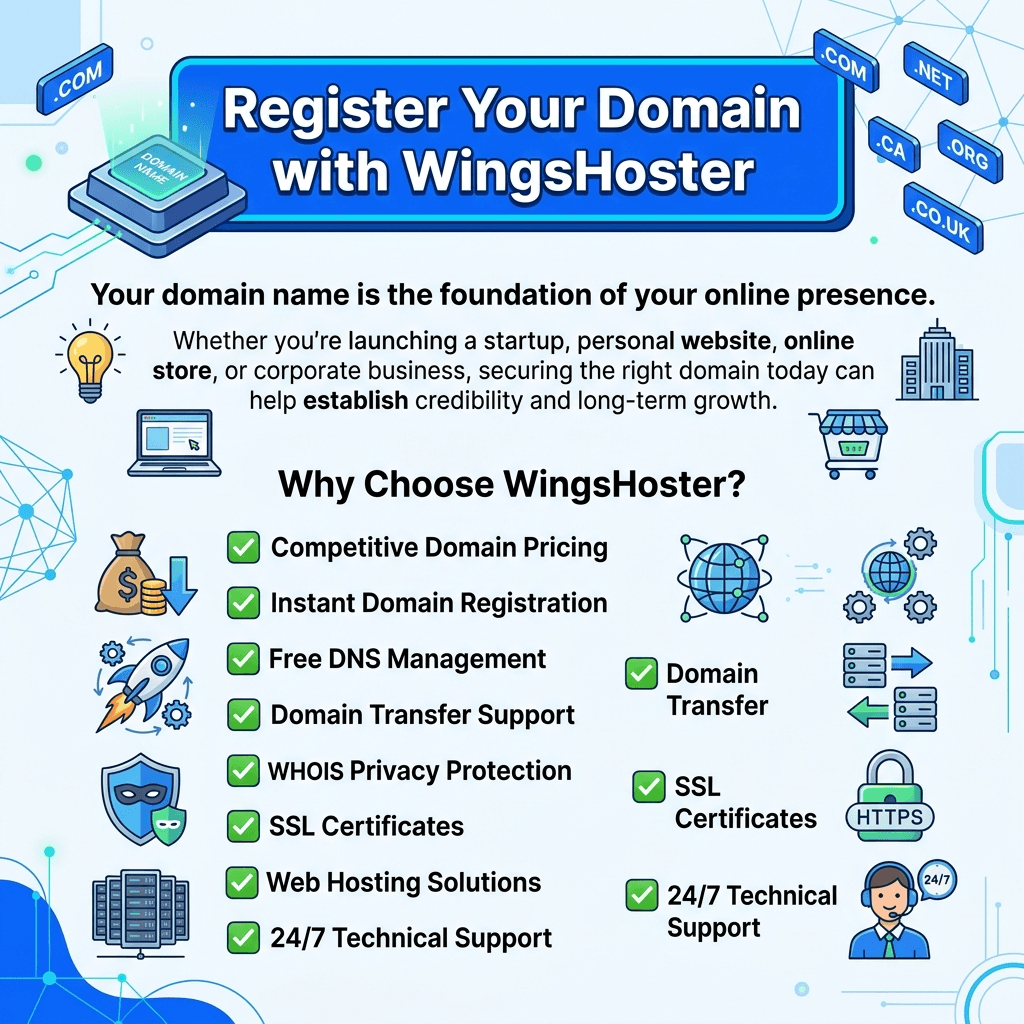
Your domain name is the foundation of your online presence.
Whether you're launching a startup, personal website, online store, or corporate business, securing the right domain today can help establish credibility and long-term growth.
Why Choose WingsHoster?
✅ Competitive Domain Pricing
✅ Instant Domain Registration
✅ Free DNS Management
✅ Domain Transfer Support
✅ WHOIS Privacy Protection
✅ SSL Certificates
✅ Web Hosting Solutions
✅ 24/7 Technical Support
Start Your Online Journey Today
Search and register your perfect domain name with WingsHoster and secure your brand before someone else does.
Useful Links
Register a Domain
Web Hosting Plans
Best Domain Extensions for Business